Showing posts with label Accelerometer Based Applications. Show all posts

Tuesday, August 10, 2010

Shake-N-Surf : Scroll web pages by just tilting the phone from side to side !

Shake-N-Surf is a great accelerometer based application that enables to scroll a web page by just tilting the phone from side to side !

Friday, June 25, 2010

DrLaunch : Application launcher widget with portrait mode

DrLaunch is an application launcher widget for the home screen that supports portrait mode. Whenever the phone is rotated, icons are also rotated.


Known bugs:

- If you resize the grid you need to restart hildon-home or remove and re-add the widget (icons will remain).
- If you open the settings a couple of times, weird things will happen. If you experience problems restart hildon-home or remove and re-add the widget.
- After you add icons, the grid will not always refresh. You need to press on each icon for a while to be refreshed.

The widget does not start programs at first touch. Instead you need to press an icon until it glows (for 250 milliseconds). This is done on-purpose to avoid launching programs by mistake. I can make this configurable but I'd like to listen to your comments on this first.

Please report other bugs in this thread 

Friday, June 18, 2010

Rotatedaemon : Rotate applications through all four directions !

Rotatedaemon forces all applications which are capable to rotate to all four possible directions: portrait, landscape, reverse portrait, reverse landscape.

I didn't tested it yet ;)

Monday, May 17, 2010

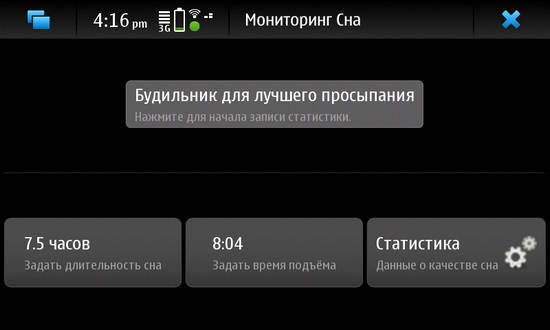
Sleeppy : using accelerometer data for the optimal triggering the alarm.

sleeppy  is a bio-alarm clock that analyzes your sleep patterns and wakes you when you are in the lightest sleep phase.


Waking up in the lightest sleep phase feels like waking without an alarm clock - it is a natural way to wake up where you feel rested and relaxed.


Since you move differently in bed during the different phases, Sleep Cycle uses the accelerometer in your phone to monitor your movement to determine which sleep phase you are in.

Sunday, February 28, 2010

Shake to wake : Shake your N900 to open up the screen !

Shake to wake for Nokia N900. Idea from http://maemo.org/community/brainstorm/view/shake_to_wake/

Python script uses acceleration sensors to detect shake, then dbus command to open up the screen. It wont open the screen if proximity sensor says it’s closed. This is to prevent unwanted openings. For example if you have your N900 in your pocket 

You can watch the demo below (i can't embed it, i have no access to youtube, damn google...): http://www.youtube.com/watch?v=RYmJ95rSj-A

Python script is available here

To install, copy script to your phone, /home/user/shake/shake.py and start it by running command :

python shake.py


The author is on a deb-file.

Please note that script is very very resource hungry so it will drain your battery !

Via : iskuri

Thursday, February 25, 2010

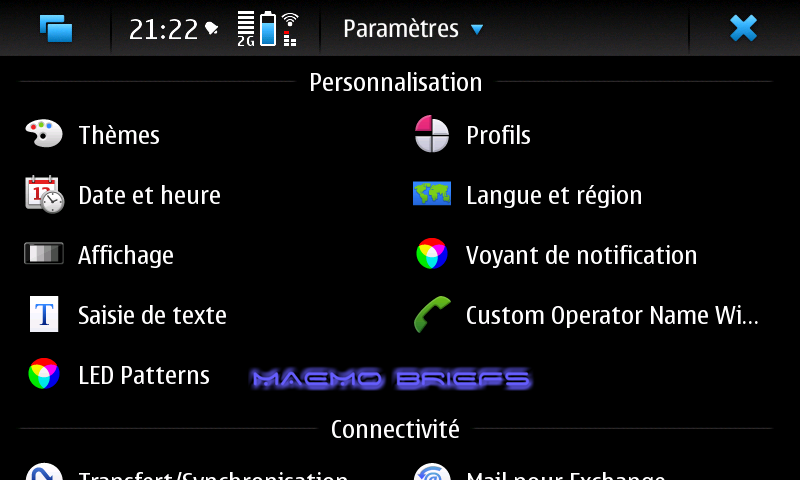
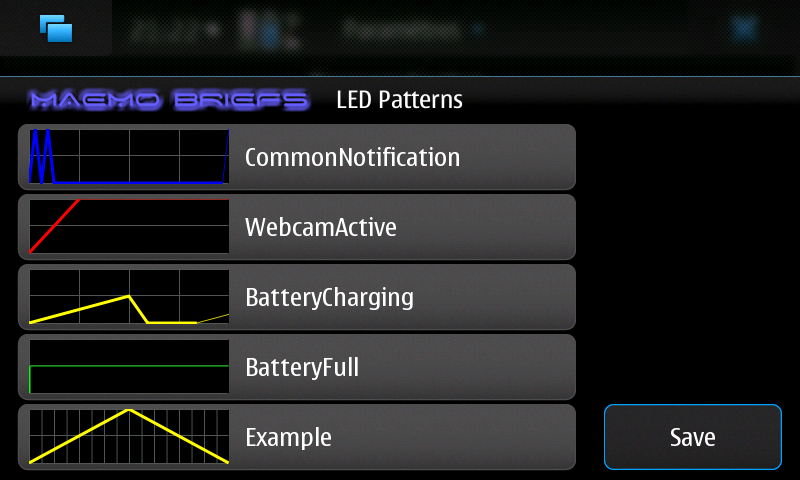
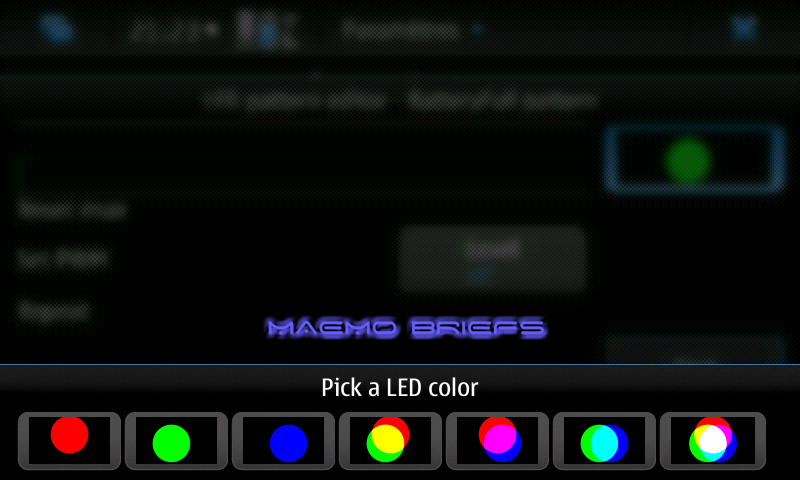
LED Pattern Editor : A control panel applet to edit notification LED blinking patterns !

LED Pattern Editor is a control panel applet to edit notification LED blinking patterns that can graphically edit the blinking patterns and LED colors, preview the LED patterns and save the configuration and restart MCE to apply changes.


Available in Extras-devel repository !


Wednesday, February 24, 2010

Accelemymote : making your accelerometer more joy-ful !

Accelemymote takes input from the accelerometers in the N900 and converts it into joystick events. This makes any game that supports a generic joystick interface tilt compatible.

Warning: This is an unfinished product and may cause problems.

Available on Extras-devel repository !

Tuesday, February 16, 2010

Pedometer Home Widget 0.2 released !

A new version (0.2-3) of pedometer widget is available in extras-devel:


 New features:

*calculate number of lost calories
*second column can show values for today/last-week/all-time (click to change )
*show graphs of steps/distance/calories (click graph to change)
*save history in XML file (~/.pedometer/data.xml )
*set alarm for steps/calories/distance/time
*option to pause timer when not walking
*lower CPU usage

More details: http://talk.maemo.org/showpost.php?p=527008&postcount=26